


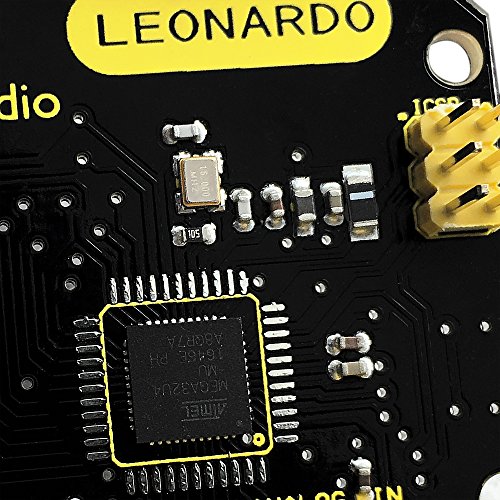
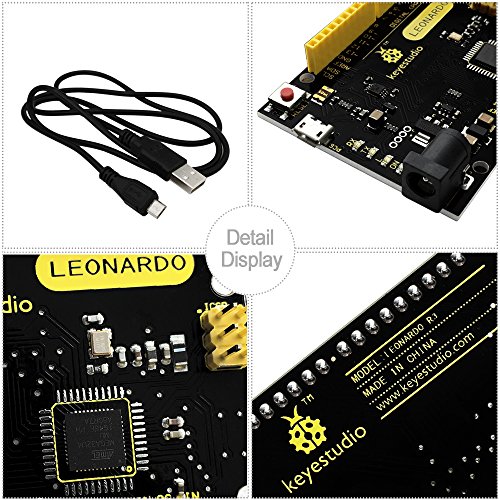
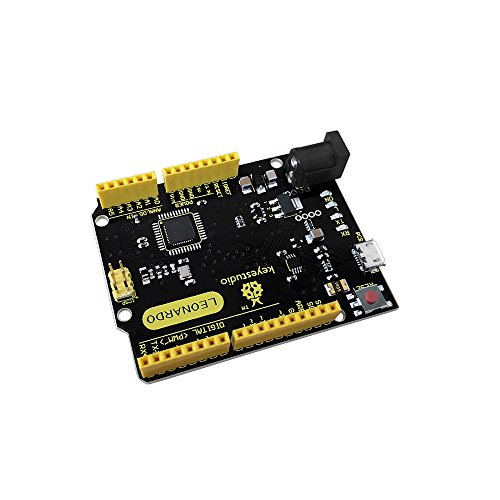
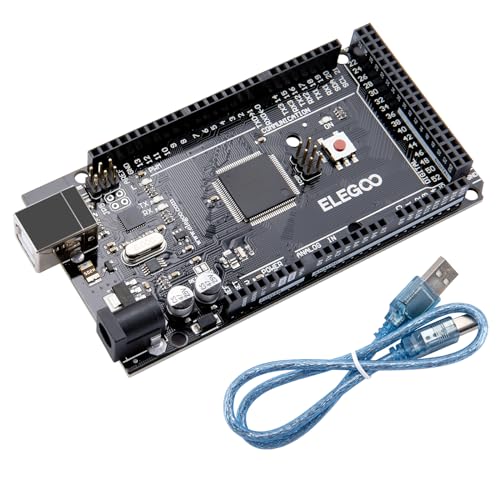
KEYESTUDIO Leonardo R3 Microcontroller Development Board with USB Cable Kit for Arduino Project
$13.99
[Beginner-Friendly Setup – No Frustration] – New to Arduino? Here’s a pro tip: Open Arduino IDE, go to Tools > Board, and select “Arduino Leonardo” – that’s it! Choose correctly and upload your code smoothly without compilation errors. Includes a USB cable for true plug-and-play convenience.
[Official Wiki & Full Technical Support] – Backed by a dedicated official Wiki – your complete resource for detailed specs, pinout diagrams, driver setup, and sample codes. Whether you’re a beginner or a pro, get the documentation you need to bring your projects to life faster and with confidence.
[Native HID – Keyboard/Mouse Emulation] – Powered by the ATmega32U4 microcontroller with built-in USB communication – no extra chip needed! Emulate a keyboard or mouse directly for custom game controllers, automation tools, programmable shortcut panels, and more. Unleash your creativity with true plug-and-play HID functionality.
Product Details
Related Products

![Arduino Giga R1 WiFi [ABX00063] – High-Performance Microcontroller with Dual-Core ARM Cortex-M7 & M4, Wi-Fi, Bluetooth, and Advanced I/O for IoT & Edge Computing](https://m.media-amazon.com/images/I/51huzdomj0L._SS500_.jpg)

Screw Terminal Block Breakout Shield Module for Arduino UNO R3
![Arduino Nano R4 [ABX00142] Headers Not Mounted (Loose Pins Included), Compact Renesas RA4M1 Microcontroller Board, Qwiic Connector, Programmable RGB LED, Compatible IDE](https://m.media-amazon.com/images/I/51wtrHJxdLL._SS500_.jpg)
$13.99