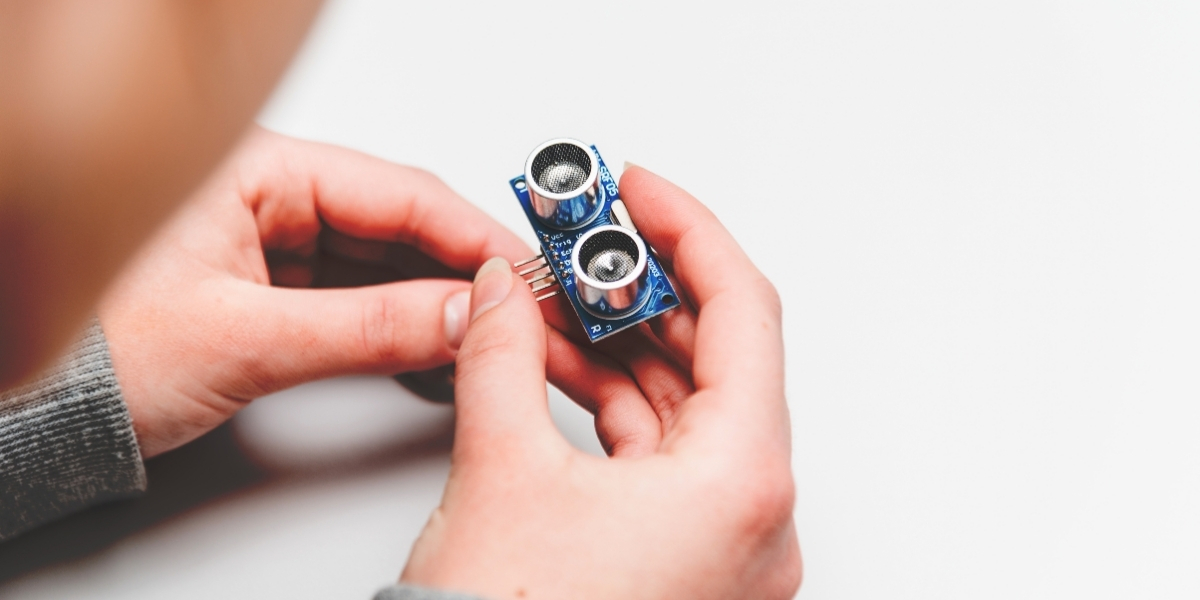
When you start exploring DIY electronics, understanding sensors can transform your projects. These components detect and measure various environmental factors, making your creations more interactive and functional. From temperature to motion, the right sensor can elevate your project significantly. But how do you choose the best ones for your needs? Let’s break down the types of sensors and their applications, so you can make informed decisions for your next endeavor.
Understanding Different Types of Sensors
When you dive into DIY electronics projects, understanding different types of sensors is crucial for your success. Sensors come in various forms, each serving unique purposes.
For instance, temperature sensors measure heat levels, while light sensors detect ambient brightness. If you’re working with motion detection, consider using PIR sensors to sense movement.
Proximity sensors can help you understand how close an object is, which is essential for automation projects. Additionally, humidity sensors provide valuable data for climate control systems.
Knowing these basics allows you to choose the right sensor for your project, ensuring it functions as intended.
Familiarizing yourself with these types will empower you to innovate and troubleshoot effectively in your DIY endeavors.
Applications of Sensors in DIY Projects
As you explore the world of DIY electronics, you’ll find that sensors play a pivotal role in enhancing functionality and interactivity in your projects. You can use temperature sensors to create smart thermostats that adjust based on your environment.
Proximity sensors let you build automatic lights that turn on when you enter a room. If you’re interested in gardening, moisture sensors can monitor soil hydration and alert you when it’s time to water.
For security, motion sensors can trigger alarms or notifications when unexpected movement occurs. Incorporating these sensors not only makes your projects smarter but also adds a layer of convenience and efficiency that can transform everyday tasks into automated solutions.
Tips for Choosing and Using Sensors
How do you choose the right sensor for your DIY project? Start by defining your project’s requirements. Consider what data you need to collect, whether it’s temperature, light, or distance.
Next, check the sensor’s compatibility with your microcontroller; not all sensors work with every platform. Then, review the sensor’s range and accuracy to ensure it meets your needs.
Don’t forget to factor in the environment—some sensors perform poorly in extreme conditions. When using sensors, follow the datasheet for wiring and calibration tips.
It’s also wise to prototype your setup before finalizing your design, allowing you to troubleshoot potential issues. Finally, engage with online communities for insights and support as you refine your project.
Conclusion
Incorporating sensors into your DIY electronics projects opens up a world of possibilities. By understanding the different types available and their applications, you can create innovative solutions tailored to your needs. Remember to consider compatibility, range, and accuracy when selecting sensors, and don’t overlook the importance of proper wiring and calibration. With these tips, you’ll be well on your way to building interactive and responsive projects that enhance your everyday life. Happy tinkering!
Trending Products


Klein Tools 3005CR Wire Crimper Tool, Ratcheting Insulated Terminal Crimper for 10 to 22 AWG Wire
TP-Link Dual-Band AX3000 Wi-Fi 6 Wireless Gigabit Internet Router for Home


Anker Prime Charger, 160W Max 3-Port GaN Charger, for MacBook Pro Charger

YIHUA 929D-V Electric Desoldering Soldering Iron Solder Sucker Desoldering Pump with Shorter Charging Handle and Desoldering Nozzles 1.0mm 1.2mm for Through-Hole Desoldering

FLASHFORGE AD5X Multi-Color 3D Printer, CoreXY 600mm/s High-Speed, 1-Click Auto Leveling, 300°C Direct Drive Extruder, 220x220x220mm Build Volume, Ideal for Precision and Efficiency