If you’re curious about Arduino, you’re in for an interesting exploration. This open-source platform provides the tools you need to bring your ideas to life, whether it’s a simple LED project or a more sophisticated automated system. With endless possibilities at your fingertips, you might wonder what specific projects you could tackle. Let’s uncover what makes Arduino a go-to choice for creators of all skill levels.
Understanding the Arduino Platform
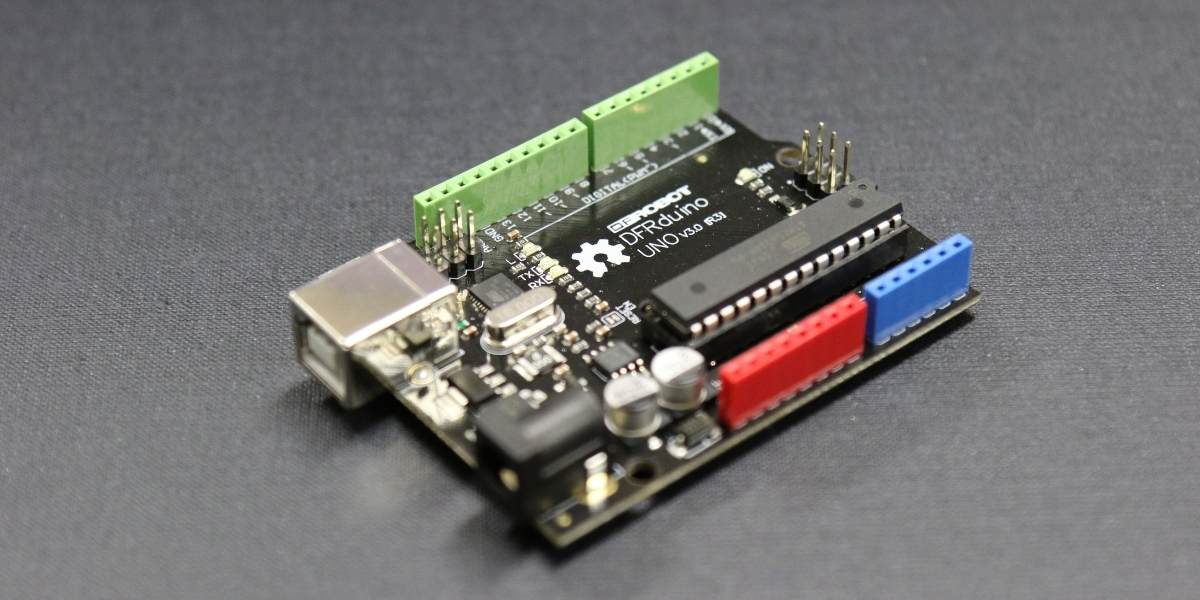
Have you ever wondered what makes Arduino so popular among makers and hobbyists? At its core, Arduino is an open-source electronics platform that combines hardware and software. You’ll find it easy to use due to its simple programming environment and user-friendly interface.
The main component is the Arduino board, which you can connect to various sensors and actuators to bring your ideas to life. The community support is immense, with countless resources, tutorials, and forums where you can seek help or inspiration.
Plus, the versatility of Arduino means you can create everything from basic circuits to complex projects. Whether you’re a beginner or an experienced developer, Arduino offers limitless possibilities for innovation and creativity.
Exciting Projects You Can Create
Whether you’re looking to dive into a new hobby or expand your skills, Arduino offers a wealth of exciting projects that can spark your creativity. You can start with a simple LED blink project to understand the basics of coding and circuitry.
Once you’re comfortable, why not try building a temperature sensor that displays data on an LCD screen? If you’re feeling adventurous, create a smart home automation system to control lights and appliances.
You could even design a mini robot that navigates obstacles using ultrasonic sensors. Each project enhances your skills and deepens your understanding of electronics and programming.
With Arduino, the possibilities are endless, and you’ll find a project that excites you and challenges your abilities.
Getting Started With Arduino
Getting started with Arduino is easier than you might think, especially after exploring some of the exciting projects you can create. First, grab an Arduino board, like the Arduino Uno, and download the Arduino IDE (Integrated Development Environment) on your computer. Connect the board using a USB cable, and you’re ready to go!
Familiarize yourself with basic components, such as LEDs, resistors, and sensors. Start with simple tutorials available online to learn programming in Arduino’s C-like language. Experiment with example sketches to see how code translates into action.
As you gain confidence, you can design your own projects, like a temperature sensor or an automated light system. Dive in, and let your creativity flow!
Conclusion
In conclusion, Arduino is a fantastic gateway into the world of electronics, inviting you to unleash your creativity. Whether you’re a beginner or an expert, you can build everything from simple LED projects to advanced robotics. With its supportive community and vast resources, getting started is easier than ever. So, grab your Arduino board, dive into the exciting projects waiting for you, and let your imagination run wild! The possibilities are truly endless.
Trending Products
eSUN PLA+ Filament 1.75mm, 3D Printer Filament PLA Plus, Dimensional Accuracy +/- 0.03mm, 1KG Spool (2.2 LBS) 3D Printing Filament for 3D Printers, Bone White

TP-Link AX1800 WiFi 6 Router (Archer AX21 V5)


Waveshare RS232/485/422 to RJ45 Ethernet Module, TCP/IP to Serial, with POE Function, Bi-Directional Transparent Transmission, Suitable for Data Acquisition, Intelligent Instrument Monitoring, etc


CORSAIR RM1000x ATX 3.1 PCIe 5.1 1000W Power Supply – Black